THIS IS A DEMO STORE, YOU WON'T BE CHARGED. U:Test P:funkytest111@

Documentation
GitHub and git
Git & github configuration
Note: The github part is totally free but required for the system to properly handle updates as part of it’s headless CMS mechanics and updates distribution.
Create a github account here, if You don’t have one already.
After purchase, we will provide access to our private code and you should fork it and it will stay synchronised with frontend updates. It is a good idea to register to netlify with github in the next step to save time and keep a password-less approach, easier to maintain.
- 1. Fork repo with code – note: if access is not given a 404 is returned by github (private).
- 2. Clone it locally – for local development
- 3. Get distributed updates – by syncing fork
To update Your repo, just sync your fork from the github UI. You will be notified in the WordPress backend about an incoming front-end update.
1. Fork the repository to Your github account
After You are given access create a private fork in Your github account of the superfunky-woo repository, this way You will stay up to date with the updates from us.
1. Fork repo with code – note: access provided is required first
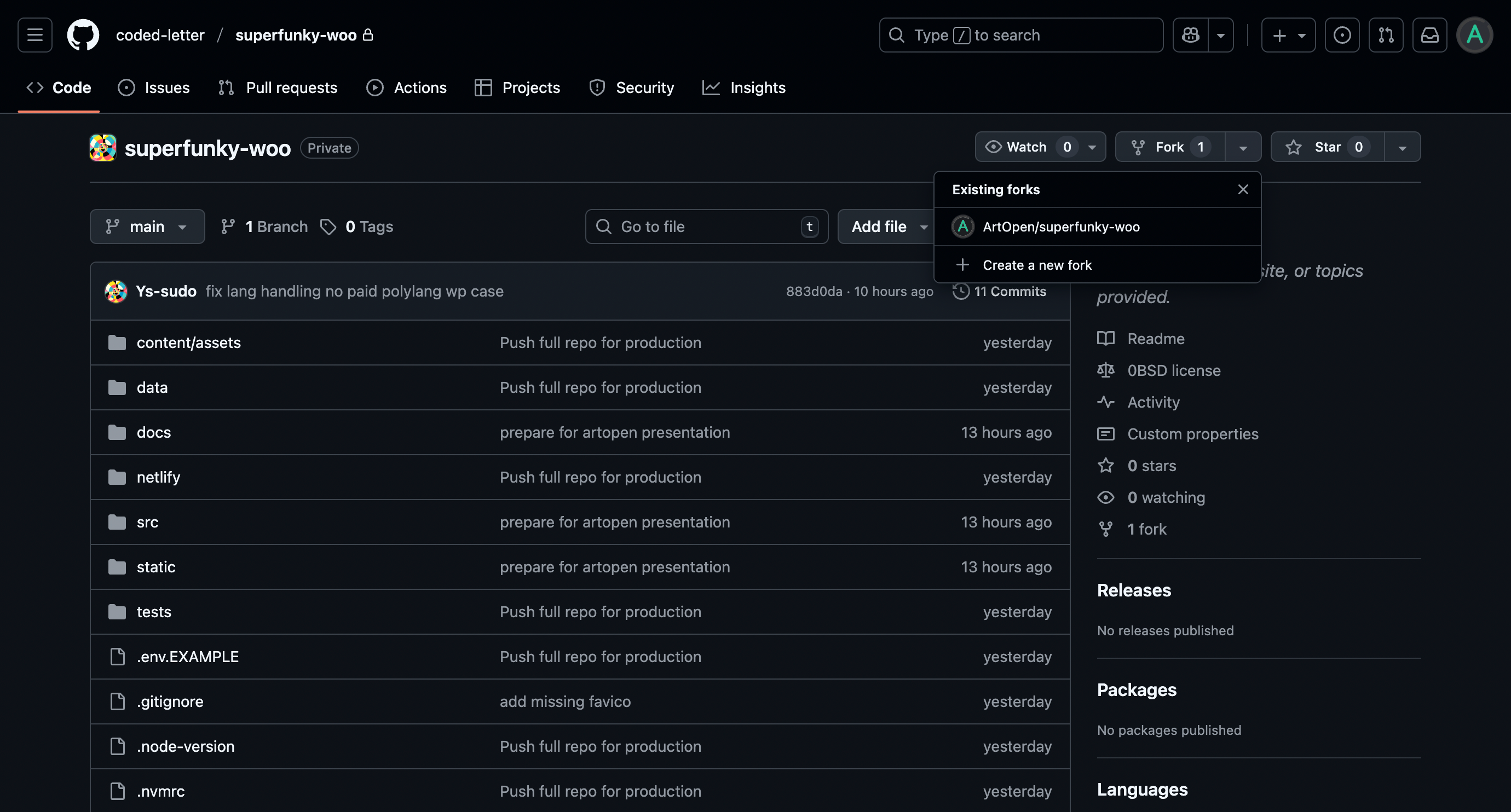
2. Clone the repository to Your local system
You can clone the folder to Your local machine, then setup the local development server for works on the frontend code.
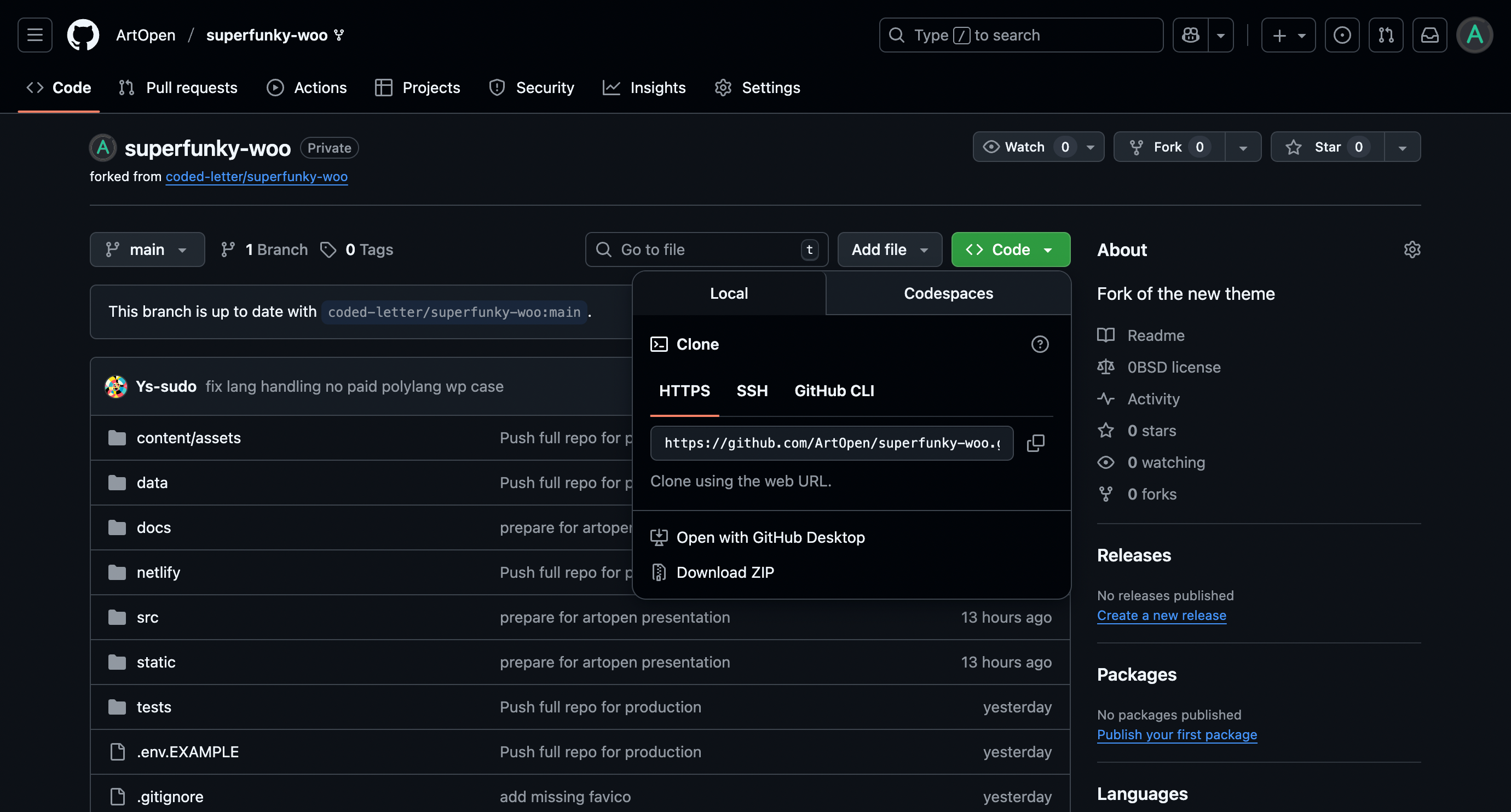
Use github CLI providing ‘git clone’ and the url command, use GitHub Desktop or download a ZIP.
Then proceed to local development section, or If you want to go live in no time go to netlify settings.
3. Get distributed updates by syncing the fork
We will notify You in your WP panel about any new frontend code updates.
Just visit the repository again, to apply updates if there are updates available.

Update Your branch and stay up to date! Now You can proceed to further systems setup.